Try AT&T Secure Family® FREE for first 30 days!

Track your family’s devices and monitor browsing with the AT&T Secure Family app

Peace of Mind Just Got a Lot Easier®

Sign up for AT&T Secure Family Today

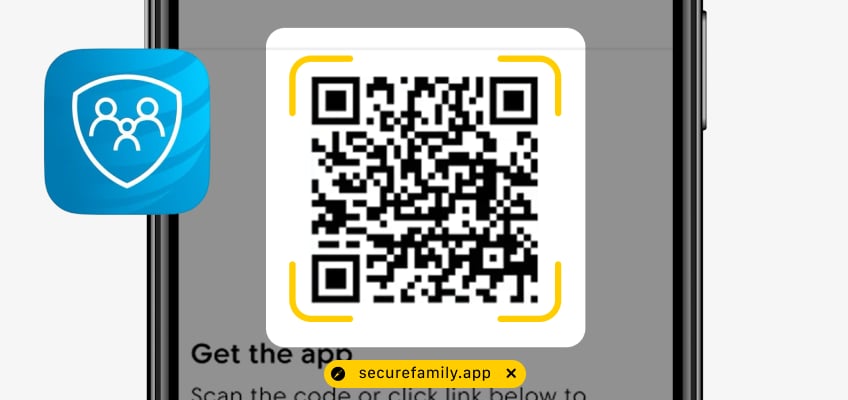
Get the app

Scan the code or click link below to download the AT&T Secure Family app and enroll today.

Connect Your Family

Set up to 10 family members per account by adding their phone numbers to your profile.

Set up AT&T Secure Family

Invite Your Family to the Hub

Install and pair the AT&T Secure Family companion app on your family’s devices.
 

Top Safety Features

Location Tracking

Track family member’s devices in real-time on an interactive map and see their location history.

Take Control of App and Website Access

Filter or block apps and online content based on age-appropriate settings and set time limits for usage. You can even halt access when it’s time for homework, bed or dinner.

Check Online Activities

View your child’s internet and app usage for the last 30 days.

Set Location and SOS Alerts

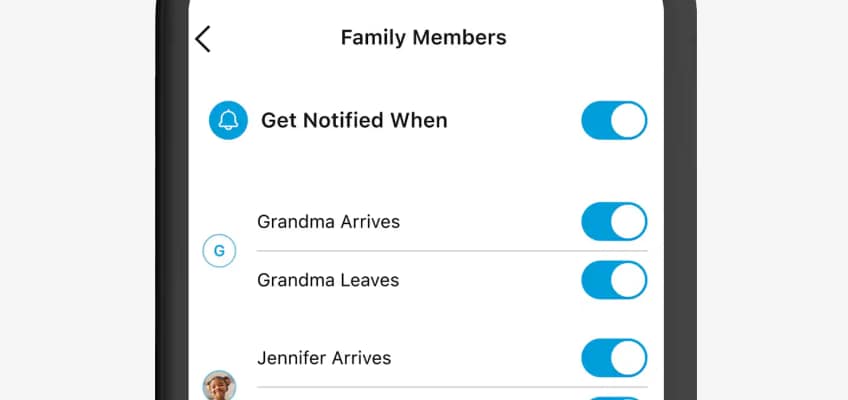
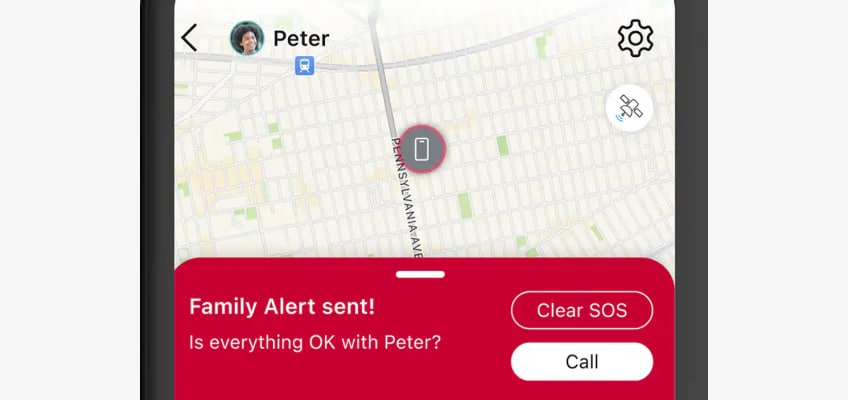
Get alerts when your child enters or leaves a saved area, or schedule alerts for additional peace of mind. One press of a button sends an SOS alert to the whole family.

Is Your Family Screen Ready?

Explore tips and tools to help your family make safe and positive connections on all screens. Click the link below for helpful resources.
 

Frequently Asked Questions

Secure Family is a comprehensive family safety app. It provides powerful and easy-to-use tools to help family members stay connected and safe in both the on-line and physical world. Secure Family also provides robust Parental Controls that enable parents to manage their children’s online activity.​ 

From the Secure Family parent app, you can:​ 

  • Locate family members in real time (Family Map view)​ 

  • View a family member's location history and timeline​ 

  • View a family member’s path (Breadcrumb Trail)​ 

  • Notify family members of your current location (Check In)​ 

  • Monitor web and app usage on your child's devices​ 

  • Filter content for Internet-based apps and websites​ 

  • Schedule Internet off times​ 

  • Block Internet access instantly​ 

  • Send a SOS Family Alert​ 

  • Find a lost phone by triggering a ring when near the lost device​ 

These features require Secure Family (Adults) or Secure Family Companion (Children) to be installed on your family members' devices.

All Cricket Wireless & AT&T Wireless customers who are the primary wireless account holder in good standing can sign up for the service. 

The monthly subscription price for Secure Family is $7.99/month and includes the first 30 days free, auto renews each month unless cancelled.  Includes support for up to 10 family members and 30 devices.​

You can sign up through the AT&T Secure Family app: 

  • As the primary parent account holder, you can download the Secure Family app from the App Store or Play Store. 
  • Open the Secure Family App and tap Get started.    
  • Select “Sign up / Create new account”.  You will have to provide your mobile number and validate it to proceed. 
  • Then tap Subscribe to sign up for the Secure Family service.

The Cricket Nation

Free Android Offer

iPhone 13 offer

Multi-Month Unlimited Plan Details

AT&T Secure Family

iphone 12 for $199.99

Refer a Friend

Select Unlimited

motorola edge offer

Watch Plan

iPhone 12 for $49.99

*Refer A Friend

Cricket Passport

iPhone 14 Offer

*Free moto g power (2024), Samsung Galaxy A15 5G, moto g 5G 2024 offer

Samsung A54 for $49.99

4 lines for $100

Refer a Friend Month

Private Upgrade Offer

Free 5G Smartphone Offer

HBO Max Basic with Ads

Sensible 10GB

Simply Data Plan

International Calling

Supreme Unlimited

Smart Unlimited

iPhone 13 Offer