

Cricket 5G Home Internet
Fast, reliable 5G home internet
on the AT&T network
Unlimited data for all your streaming, gaming, and everyday browsing.
*Cricket 5G requires a compatible device and is not available everywhere. See cricketwireless.com/map for coverage.


With $5 Auto Pay credit starting second month, and any Cricket phone plan. Requires Cricket Gateway purchase ($49.99 + tax). Fees may apply. Terms & restrictions apply. In rare cases, if your usage is contributing to congestion on the network, Cricket will greatly reduce your speed for a minimum of 30 minutes.
Cricket may temporarily slow data speeds if network is busy.
-

Unlimited high-speed data
-

Nationwide 5G
-

With $5 Auto Pay credit starting second month. Requires Cricket Gateway purchase ($49.99 + tax). Fees may apply. Terms & restrictions apply. In rare cases, if your usage is contributing to congestion on the network, Cricket will greatly reduce your speed for a minimum of 30 minutes.
Cricket may temporarily slow data speeds if network is busy.
-
Unlimited high-speed data
-
Nationwide 5G
-


Check your address
To see if Cricket 5G Home Internet is available at your home, enter your address below.
More with Cricket
Set up Cricket 5G Home Internet
Learn how to set up your Gateway

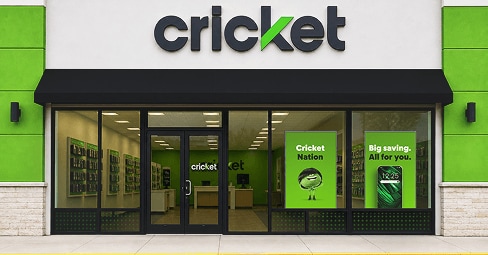
Find a store
Order your home internet kit today.
You’ve got questions? We’ve got answers
What’s the difference between Cricket 5G Home Internet and traditional cable internet?
How long does it take to set up my Cricket Home Internet?
Do I need any tools to set up my Cricket Home Internet?
How do I activate my internet service?
Can I move my service if I change my address?
What do I do if the gateway doesn’t connect?
Have more questions? Check out our Support Page.